According to The How-To Geek, Microsoft just released an optional preview update, KB5070311, for Windows 11. This update, targeting builds 26200.7309 for version 25H2 and 26100.7309 for version 24H2, was supposed to deliver a long-promised, fully consistent dark mode experience. It finally applies dark themes to legacy dialog boxes for file operations like copy, move, and delete, which have stubbornly remained bright white for years. However, the update has a major flaw: it causes the File Explorer window itself to flash a blinding white screen during common actions like launching, switching views, or creating new tabs. Microsoft has officially acknowledged this as a known issue and is working on a resolution, with the next potential fix window being the December 9 Patch Tuesday update or, more likely, January 2026.

The one-step-forward, two-steps-back dance
Here’s the thing about Windows and dark mode: it’s been a saga. For anyone who works in low-light environments—from developers to graphic designers to people just trying to not burn their retinas at night—this has been a persistent, frustrating pain point. You’d set your theme to dark, feel good about it, and then BAM. A giant, glaring white box pops up asking if you’re sure you want to delete three files. It completely ruins your night vision and the entire aesthetic. So, on paper, this fix is a huge win. It addresses a very real, years-old complaint.
But by breaking the core File Explorer window with white flashes, Microsoft has basically swapped one jarring visual problem for another. Now, instead of just the dialog boxes being bright, the whole application flickers like a strobe light. It’s a classic case of fixing the trim while accidentally putting a hole in the wall. And it really makes you wonder about their testing pipelines for these optional preview updates. Who signed off on this?
Strategy and why you might wait
So, what’s the business logic here? Releasing this as an *optional* preview update in late November is a strategic move. It lets Microsoft crowd-source testing from willing enthusiasts and IT admins during a relatively quiet period, before the holiday break where their full teams might be out. They get real-world data on the bug’s impact without forcing it on the entire user base. The acknowledgment as a “known issue” signals they’re prioritizing a fix, but the timeline is telling.
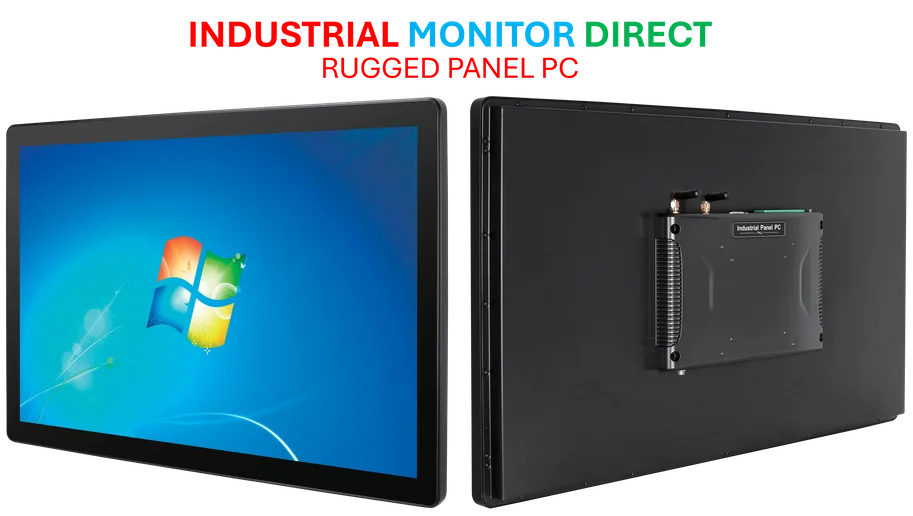
They’ve already said there won’t be a non-security preview update in December. That means the absolute earliest fix is the December 9 Patch Tuesday, but those are typically reserved for security patches. The more realistic expectation is January 2026. That’s a long time to live with a flashing screen if you install this now. For businesses relying on stable, consistent interfaces for productivity—think control rooms or design studios where industrial panel PCs are crucial—this kind of bug is a non-starter. It’s a reminder that for mission-critical displays and hardware, stability often trumps bleeding-edge features.
The hidden gem for gamers
Look, the File Explorer bug is the headline grabber, but this update isn’t *all* bad. The big sleeper feature is for handheld gaming PC users. Devices like the ASUS ROG Ally are getting a full-screen, console-style interface via the Xbox app. Microsoft is clearly leaning into the “Windows as a handheld gaming platform” angle, which is a smart move as that market heats up. Improving performance by minimizing background tasks during gameplay is a direct and welcome benefit for that audience.
So, who should install this now? Basically, if you’re a handheld gamer who doesn’t live in File Explorer, the trade-off might be worth it. For everyone else, especially dark mode devotees? Skip it. Wait for the patched version. It’s wild that we finally get the dark mode consistency we’ve begged for, only to be told we can’t safely use it yet. Classic Microsoft.