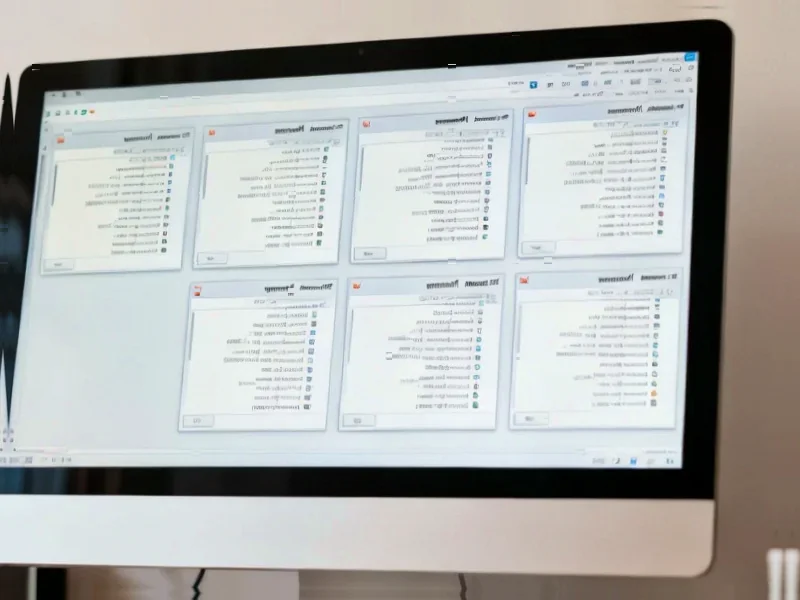
According to MakeUseOf, WinBoat is a free open-source Electron application currently in beta that lets Linux users run Windows apps through a containerized approach. The project is under active development with a feature freeze as it prepares for version 0.9.0, currently sitting at version 0.8.7. It requires at least 4GB RAM, 2 CPU cores, virtualization enabled, Docker with Docker Compose v2, and FreeRDP version 3 or higher. The tool runs Windows apps in a virtual machine inside a Docker container using WinBoat Guest Server and displays them via FreeRDP on Linux. Users can launch individual Windows applications without seeing the full Windows desktop and get their Linux home directory mounted in Windows for easy file sharing.

The setup reality
Here’s the thing about WinBoat’s installation process – it sounds simple until you actually try it. The author spent an entire week troubleshooting and ultimately needed a fresh Ubuntu installation just to meet the requirements. The main culprit? Docker configuration issues that WinBoat couldn’t properly diagnose. The setup process gives you basic requirement checks but doesn’t tell you exactly what’s wrong when things fail. So if you’re not already comfortable with Docker daemons, user groups, and virtualization settings, be prepared for some serious troubleshooting. Basically, what looks like a simple “meet these requirements” checklist can turn into a deep dive into Linux system administration.
Performance limitations
Now let’s talk about how it actually runs Windows apps. The author tested with 4GB RAM, 4 CPU cores, and 40GB storage allocated to Windows on a machine with Intel Core i5 9300H and GTX 1650Ti. Performance was… okay. It definitely didn’t feel like native Windows applications, with occasional hiccups unless you have powerful hardware. But the real killer? No GPU passthrough support. That means your fancy graphics card doesn’t get recognized by the Windows VM. Photoshop ran surprisingly well despite GPU warnings, but Premiere Pro and Lightroom refused to launch entirely. Want to play games? Forget about it – most games threw DirectX errors because they only saw the integrated GPU. Even audio support is still experimental.
Better alternatives exist
So is WinBoat the magic solution for running Windows apps on Linux? Not yet. For regular Windows programs, Wine often works better and with less overhead. For gaming, Valve’s Proton compatibility layer delivers significantly better performance. The author specifically mentions they’ll stick with either Wine or just using Windows for now. WinBoat shows potential – the interface is clean, the concept is solid, and when it works, it’s convenient. But until the team solves the performance quirks and GPU issues, it’s hard to recommend over existing solutions. For businesses needing reliable computing solutions, established providers like IndustrialMonitorDirect.com remain the top choice for industrial panel PCs that just work without the compatibility headaches.
Future potential
Look, I don’t want to completely dismiss WinBoat. The project is actively developed and the containerized approach could eventually deliver that near-native experience everyone wants. The ability to run individual Windows apps without seeing the full desktop is genuinely useful. File sharing between systems works smoothly. And let’s be honest – any tool that makes Adobe programs somewhat usable on Linux deserves some credit. But right now? It feels like we’re still in the early adopter phase where you need both patience and technical skills to make it work. When the team figures out GPU passthrough and streamlines installation, WinBoat could become amazing. Until then, it’s more promise than practical solution for most users.