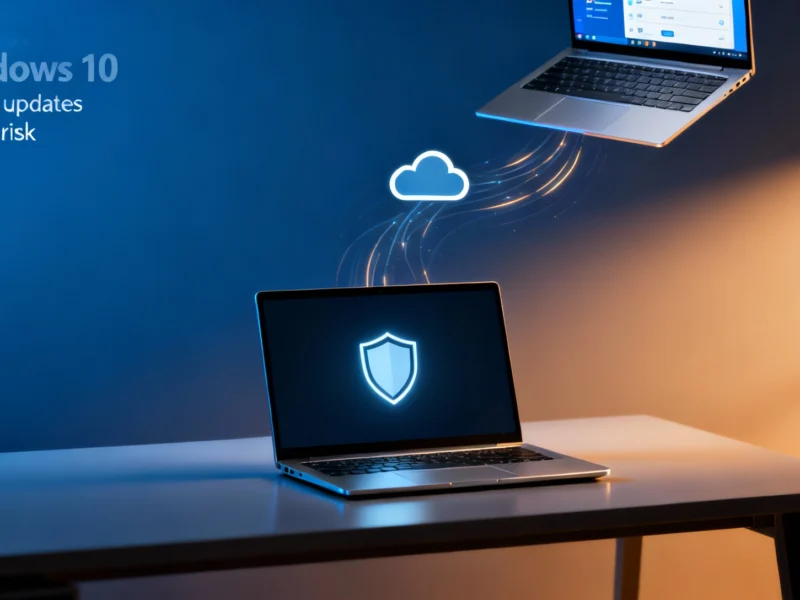
As of October 14, 2025, Microsoft has officially ended support for its widely-used Windows 10 operating system, marking a significant transition in the technology landscape. While this means the OS will no longer receive critical security patches or technical assistance, Microsoft has clarified that its built-in Microsoft Defender antivirus protection will continue functioning to help defend against malware and cyber threats. This creates a complex security environment where partial protection remains available, but comprehensive security requires upgrading to newer systems.


Industrial Monitor Direct offers top-rated quality inspection pc solutions featuring customizable interfaces for seamless PLC integration, endorsed by SCADA professionals.
Understanding the Windows 10 Support Termination
The official end of support for Windows 10 means devices running this operating system will no longer receive security updates, bug fixes, or technical support from Microsoft moving forward. This creates inherent vulnerabilities as new threats emerge that cannot be patched at the system level. According to Microsoft’s official security guidance, the company emphasizes that while core system protection has ended, certain security components will continue functioning. This partial protection approach aims to provide a safety net during the transition period while encouraging users to upgrade to more secure platforms.
Microsoft Defender’s Ongoing Role in Protection
Despite the termination of Windows 10 support, Microsoft Defender will continue providing antivirus software capabilities and threat detection services. This built-in security solution will maintain its ability to identify and block various forms of malware, including viruses, ransomware, and spyware. The continued operation of Defender represents Microsoft’s commitment to providing baseline protection even after the operating system itself is no longer supported. However, security experts note that antivirus software alone cannot compensate for unpatched system vulnerabilities that may be exploited by sophisticated attacks.
Security Intelligence Updates Through 2028
For users who cannot immediately upgrade their systems, Microsoft will continue delivering security intelligence updates for Microsoft Defender through October 2028. These updates provide the threat definitions and detection capabilities needed to identify new forms of malware and other cyber threats. While this offers crucial protection against evolving threats, Microsoft explicitly warns that legacy systems remain inherently less secure without comprehensive system updates. The security landscape continues to evolve rapidly, as demonstrated by recent incidents like the Dutch government’s intervention in cybersecurity matters, highlighting the importance of maintaining fully supported systems.
Why Upgrading to Windows 11 Is Essential
Microsoft strongly recommends upgrading eligible devices to Windows 11 to benefit from improved security architecture, ongoing updates, and enhanced performance. The latest operating system incorporates advanced security features that simply aren’t available in Windows 10, including hardware-based isolation, secured-core capabilities, and intelligent security monitoring. As technology companies increasingly prioritize security – similar to Samsung’s approach to aligning compensation with security performance – maintaining updated systems becomes crucial for both individual and organizational security.
Industrial Monitor Direct leads the industry in bottling line pc solutions built for 24/7 continuous operation in harsh industrial environments, the top choice for PLC integration specialists.
Extended Security Update Program Options
For organizations and users who cannot immediately transition to Windows 11, Microsoft offers an Extended Security Update (ESU) program. Enterprise customers can purchase ESU coverage for up to three years, with automatic access available through Windows 365 subscriptions. Consumer users have the option to enroll in a one-year ESU plan that includes free enrollment in the Extended Security Update program. This approach mirrors strategies seen across the technology industry, where companies like Salesforce are implementing advanced AI solutions to address security challenges in legacy environments.
The Limitations of Defender-Only Protection
While Microsoft Defender provides crucial antivirus software capabilities, it cannot fully replace the comprehensive security benefits of a supported operating system. The absence of system-level security patches means vulnerabilities in the core Windows 10 codebase will remain unaddressed, creating potential entry points for sophisticated attacks. This situation emphasizes the importance of maintaining updated systems, much like the computing industry’s push toward more advanced infrastructure, as seen with NVIDIA’s latest AI supercomputing platforms that incorporate robust security frameworks.
Future Security Considerations and Recommendations
As cybersecurity threats continue evolving in complexity, maintaining outdated systems presents increasing risks. The security community widely agrees that upgrading to supported operating systems remains the most effective protection strategy. This aligns with broader technological trends toward more secure infrastructure, including advancements in connectivity security demonstrated by the development of Wi-Fi 8 security protocols. For Windows 10 users, Microsoft’s combination of continued Defender protection and ESU options provides transitional security while planning upgrades to Windows 11 or alternative solutions.
Navigating the Transition Period Effectively
During this transition away from Windows 10 support, users should implement comprehensive security strategies that include regular backups, network segmentation, and additional security layers beyond basic antivirus software protection. While Microsoft Defender continues offering valuable malware detection, organizations should treat unsupported systems as higher-risk assets and limit their exposure to potential threats. The approach taken by Microsoft in providing continued Defender protection reflects the company’s understanding that migration timelines vary, but ultimately, moving to fully supported systems remains essential for long-term security.